How to See Recent Followers on Instagram
Check recent followers on Instagram manually or with your official export. Sort by date followed, compare Followers snapshots, and analyze your ZIP privately on igunfollowed.com — no login required.
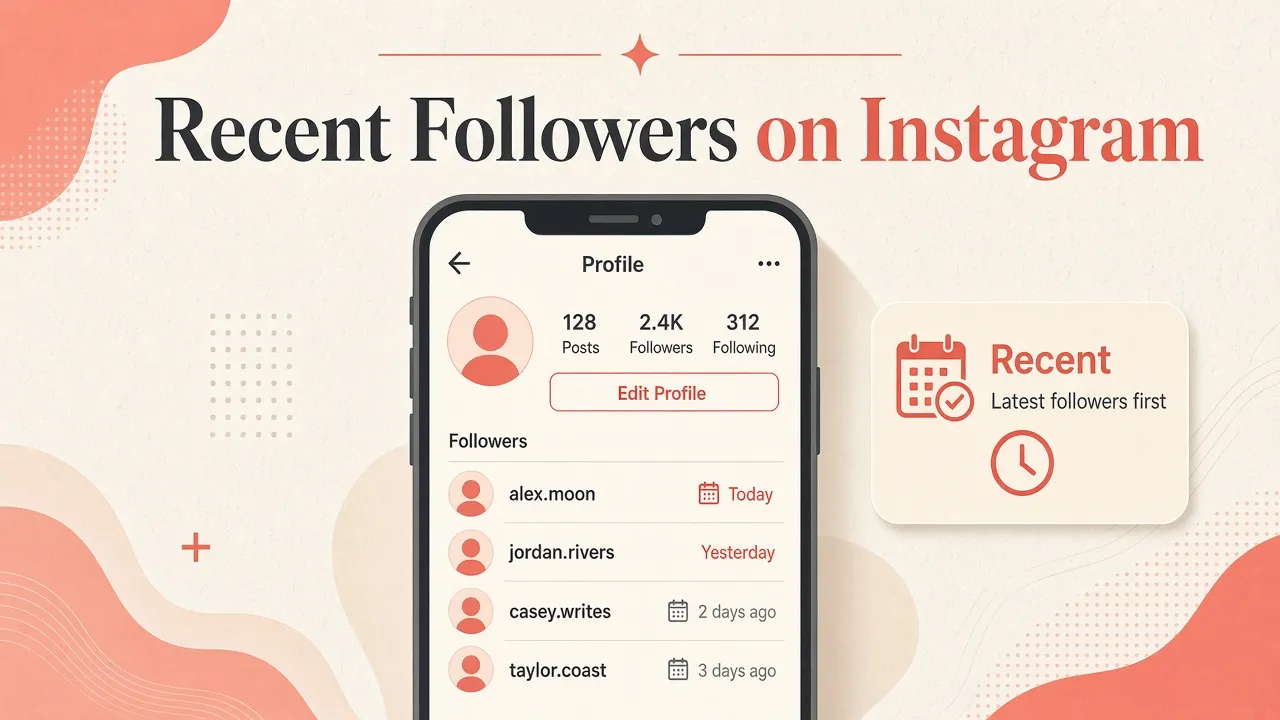
Followers vs. Following: Choose the Right List First
| Your Question | Where to Look | What This Confirms |
|---|---|---|
| Who did I recently follow? | Your own Following list, sorted by date (if this option is available) | The order of those recorded relationships |
| Who recently followed me? | Two snapshots of your Followers list from different dates | Accounts added between those two dates |
| Who did someone else recently follow? | Only the records that person chooses to share | Only what’s actually present in those shared records |
Check Your Recent Instagram Following Manually
It’s very easy to check your recent Instagram following manually. This quick method works right on IG itself and instantly shows your last follow at the top of the list. Below we’ll guide you step by step.
- Open your Instagram profile.
- Click & open your following list.
- Here you’ll find a sort out option. Click on it & choose Date followed: Latest.
You can use this option only for your own account, not for other users.
Use your export when the sort option is missing
Request your data through Meta Accounts Center: select only Followers and following, choose JSON, and set the range to All time. Our export guide walks through the exact screens.
Drop that ZIP into Unfollow Tracker, and it opens straight into your results. There’s no login, signup, or payment step, and the file is read locally in your browser rather than sent to a server. Open the Following tab and click Recent, the date-based sort button next to the search box, to bring your most recent follows to the top; click Z–A or A–Z instead if you’d rather browse alphabetically. Each account also lists a Followed [date], and the search box lets you jump straight to one username. The Followers tab works the same way whenever you want to check your latest recent followers.
Keep the obvious limit in mind: this is only a snapshot of your export at the moment it was created, so anything followed or unfollowed afterward won’t show up. And since no time of day is given, two accounts followed on the same date can’t be put in a proven order.
Can You See Who a Friend Recently Followed?
A profile’s visible list only shows current order, not when accounts were actually added. Our igunfollowed.com tool only reads files you upload yourself, so it can’t pull someone else’s private export from a username. Before paying for a following viewer, check if it shows the real follow date or just when the tool noticed the account, since those aren’t the same thing.
If you also need to clean up outgoing requests that never got accepted, try the pending follow requests checker with the same export. To browse a public account’s pinned stories instead, open the Instagram Highlights Viewer.
Frequently Asked Questions
Yes. Open your Following list from your profile, tap the sort icon, and choose “Date followed: Latest.” This works only for your own account.
Instagram doesn’t show this directly. You need two Followers snapshots taken on different dates (through Meta’s data export) and compare them to see who’s missing, including any new followers that showed up in between. Unfollow Tracker can compare two exports privately in your browser.
No, not reliably, whether it’s on Insta or any other platform. You can only see their list’s current order, not when each account was added, and there’s no way to pull another person’s private export without their permission.
No. The tool only reads the ZIP file you upload, and the analysis happens locally in your browser. No login, signup, or password required.