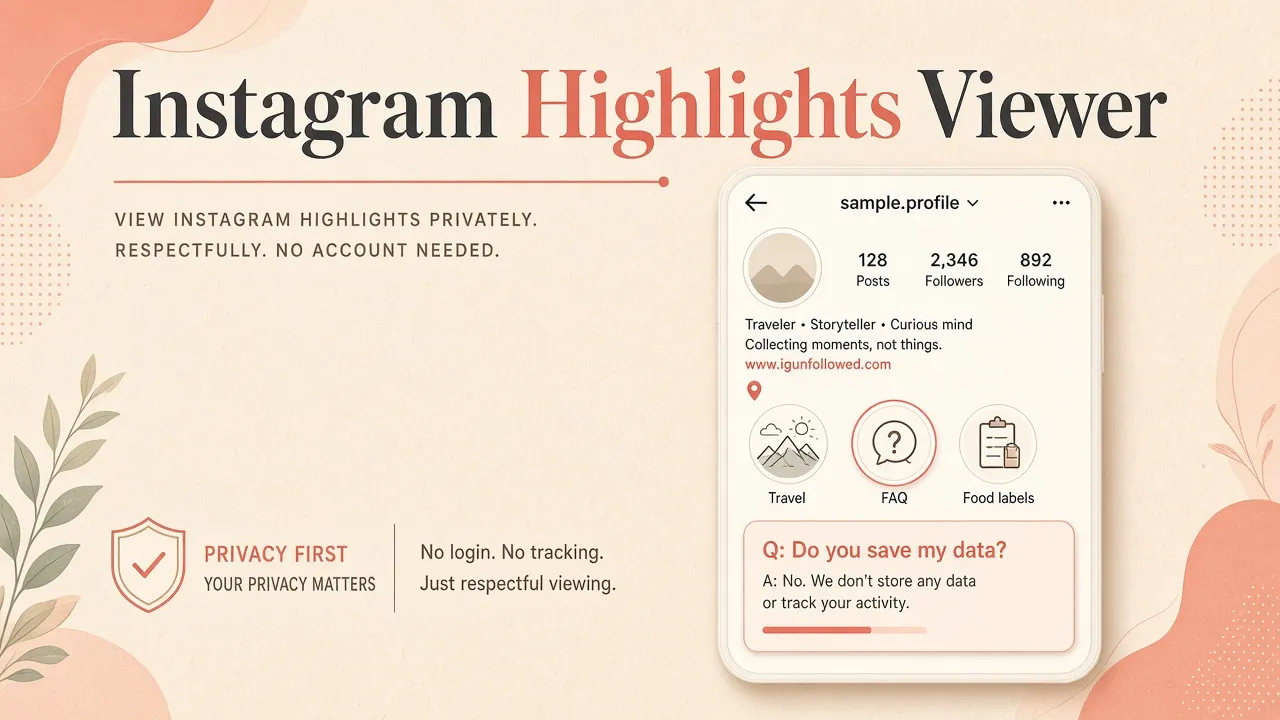
Instagram Highlights Viewer
Instagram Highlights are the Stories a public account chooses to keep on its profile after the normal 24-hour window ends. This viewer lets you open any public account's Highlights by typing in a username, with no Instagram account or password required. Enter a username below, wait a few seconds, and every Highlight the account has pinned will load with its title and story count. You can then step through each Highlight and save the photos or videos you want to keep. For follower lists from your own export, use our Unfollow Tracker instead — that analysis stays in your browser.
What Are Instagram Highlights?
Instagram Highlights are saved collections of past Stories that a user pins permanently to their profile, right below their bio. Normally, a Story disappears after 24 hours, but when an account adds one to a Highlight, it stays visible for as long as the owner keeps it there. Many creators, brands, and public figures use Highlights almost like a mini portfolio, organizing their best content into labeled folders such as Travel, FAQ, or Reviews. Because Highlights sit on the profile itself, anyone who visits that profile can open and watch them without needing to catch a Story within its first day.
Difference Between Stories and Highlights
A Story is temporary. It appears at the top of the Instagram app for 24 hours and then disappears unless the account owner saves it. A Highlight is that same Story content, selected by the owner and placed into a labeled circle on their profile, where it stays until they remove it themselves. In short, every Highlight started life as a Story, but not every Story becomes a Highlight.
What Is a Highlight Cover
Each Highlight shows a round cover image on the profile, and that cover is usually just the first story inside it unless the account picked a custom image. Many brands design a matching set of covers so their profile looks organized and on-brand. The feed grid is the other half of that first look. The Instagram Grid Maker can split one image across those profile squares without uploading the file. When you use a Highlights viewer, the cover shown in the tool may differ slightly from the one on Instagram itself, since some tools display the first story rather than any custom artwork the account uploaded. This is normal and does not affect the actual content inside the Highlight.
How to View and Download Instagram Highlights
Viewing someone's Instagram Highlights through this tool takes under a minute and needs nothing more than the account's username. There is no app to install, no sign-up form, and no need to log into your own Instagram account at any point. The steps below walk through exactly what happens from the moment you type a username to the moment you save a file.
Enter the Username or Profile Link
Type the account's Instagram handle into the search box above, with or without the @ symbol, or paste a full profile link such as instagram.com/username. Make sure the account is public, since Highlights only load for profiles that anyone can already see.
Wait a Few Seconds
Your browser asks this site's /api/highlights endpoint for that public username. The server uses a third-party lookup to fetch publicly visible Highlight metadata. A first-time lookup often takes several seconds.
Open and Save the Highlight
Click on any Highlight to step through its stories in order, exactly as they would play inside the Instagram app. Each photo or video has its own save button, and files downloaded in the same quality Instagram originally served them in.
Is This Tool Anonymous?
You do not log into Instagram here, so this site does not open Highlights under your Instagram username. The public username you type is sent to our /api/highlights endpoint and then to a third-party lookup so publicly visible Highlights can load. That is different from opening Highlights in the Instagram app, where your own profile might appear in a viewer list for an active Story.
Can the Account Owner See Who Viewed?
Instagram does not currently show a viewer list for Highlights the way it does for an active Story that is still within its first 24 hours. This tool does not log into your Instagram account, so it does not create an in-app view from your profile. We cannot speak for Instagram's own server logs.
We Don't Store Your Data
The username you search is used only to fetch the Highlights you asked for, and it is not linked to any personal profile or saved as part of an account, because none is created here. We don't ask for your email, your phone number, or your own Instagram login at any point in this process. Nothing you search is tied back to your identity in a way that could be traced.
Benefits of Using This Tool
This tool is built to make viewing and saving Instagram Highlights as simple as possible, without asking anything of you in return. It skips the steps that usually slow people down, like creating an account or installing an app, and focuses only on what you actually came here to do. The sections below cover the main advantages that set it apart from browsing Highlights directly inside Instagram.
- No Login or Account Required - Your Instagram username and password are never asked for, so your personal account stays separate from your activity here. There is no sign-up form, no email verification, and no app download standing between you and the Highlights you want to see.
- HD Quality, No Watermark - Photos and videos download in the same resolution Instagram originally served them in, with no watermark stamped over the content. Photos save as JPG files and videos as MP4, both of which open on virtually any device.
- Works on Any Device - The tool runs entirely in a web browser, so it works the same way on a phone, tablet, or computer without a separate app for each. Bookmark the page and come back to it from whichever device is nearest at the time.
Who Can Benefit From This Tool
People use this Highlights viewer for a wide range of reasons, from professional research to simple curiosity. Since it asks for nothing more than a public username, it works equally well whether you're checking a single account once or returning to look at several profiles over time. The three groups below cover most of what brings people to a tool like this.
- Marketers and Influencers - Research competitors or study how other creators organize their profiles, without following the account or leaving a trace. It's a quick way to gather reference material before building out a similar strategy on your own profile.
- Casual Users - Check in on friends, celebrities, or brands you follow without opening the Instagram app or logging into your own account. It's especially handy on a shared or public computer where logging into a personal account isn't practical.
- People Without an Instagram Account - See Highlights from a public profile the same way anyone with an account would, minus the need to sign up for anything. It's a straightforward option for checking a single profile without committing to the platform.
Limitations: What This Tool Can't Do
No Highlights viewer, including this one, can get around the basic rules Instagram sets for public and private content. Being clear about these limits upfront saves time and avoids confusion later, especially for anyone expecting the tool to reach further than it realistically can. The two situations below cover the most common limits people run into.
- Private Accounts Are Off-Limits - If an account has its profile set to private, its Highlights cannot be shown here or by any similar tool, because Instagram restricts that content to approved followers only. The only way to see a private account's Highlights is to be an approved follower viewing them directly inside the Instagram app.
- Content Can Change After a Lookup - If the account owner removes a Highlight, renames it, or adds new stories after you've already searched, those changes won't show until you search again. Results reflect whatever was publicly visible at the moment the lookup ran, not a live feed, so searching the same username again usually resolves anything that looks out of date.
Instagram's Built-In Method vs igunfollowed
Instagram does let you view a public account's Highlights directly inside its own app, without any outside tool. You simply open the profile and tap on any of the circles beneath the bio. The table below compares the two approaches side by side so you can see where each one falls short.
| Instagram App | igunfollowed | |
|---|---|---|
| Login required | Yes, your own Instagram account | No |
| Can download Highlights | No built-in option | Yes, in original quality |
| Visibility to account owner | Can sometimes show in viewer lists | Never visible |
| Steps needed | Open app, log in, tap Highlight | Enter username, view, save |
The biggest gap in the table above is the download column, since Instagram's own app has no button for saving a Highlight at all. People often end up taking screenshots or screen recordings as a workaround, which usually loses quality and can crop out parts of the original image. This tool closes that gap by letting you view and download Highlights from a public account in one place, in their original quality.
Highlights Not Loading? Common Issues
Most problems people run into with a Highlights viewer trace back to one of just a few simple causes. None of them usually point to something broken on the tool's end, and almost all of them can be fixed in under a minute. The sections below cover the issues that come up most often.
Double-Check the Username or Link
A small typo, or pasting a link to a post instead of a profile, is the most common reason a search comes back empty. Type the handle directly rather than copying it from somewhere else, and make sure a profile link points to the main page rather than a specific post or story.
The Account Might Be Private
If a search returns no Highlights at all, the account is very likely private rather than the tool failing to find them. Confirm this by opening the profile directly in the Instagram app and checking for a lock icon next to the username.
Give It Another Try
A lookup can time out if an account has an unusually large number of Highlights or stories to load. Waiting a minute and searching the same username again usually resolves this, and it's worth checking your internet connection if the problem keeps happening.
Why igunfollowed Is Different From Other Highlight Viewers
Most Highlights viewers on the market do one of two things well, either viewing or downloading, but rarely both in a way that feels fast and uncluttered. Some also bury the actual tool behind ads or a daily search limit before you even get a result. Here's what sets igunfollowed apart:
- Views and downloads Highlights in the same step, no separate downloader needed
- No paywall or daily limit that locks you out after one or two searches
- No intrusive ads between typing a username and seeing the result
- Highlights load in original quality, with no artificial compression
- No login or personal data requested at any point
Frequently Asked Questions
No. Highlights from a private account are only visible to the people that account has approved as followers, and this restriction comes from Instagram itself rather than from any third-party tool. If you need to see a private account's Highlights, the only real option is to send a follow request and wait for it to be accepted. Once accepted, you'd view them directly inside the Instagram app rather than through an outside viewer.
The tool itself doesn't log your identity in a way that's tied back to you personally, and no Instagram account is ever created or used during the process. Standard web traffic data, like what any website collects for basic security, may be logged the same way it would be on most sites you visit. None of that data is linked to the Instagram account you searched for, and it has no way of reaching the profile owner.
Viewing public content that an account has chosen to make visible to everyone is generally not an issue, since that's exactly what public means on Instagram. Downloading and reusing someone else's photos or videos without permission is a different matter, and can run into copyright concerns depending on how you use the file afterward. As a general rule, it's safest to only save content you have the rights to use, or that you plan to keep for personal viewing rather than reposting elsewhere.
Unlike a regular Story, which disappears after 24 hours, a Highlight stays on a profile for as long as the account owner keeps it there, which can be months or even years. The account can remove, rename, or edit a Highlight at any time, and there's no fixed expiration date set by Instagram itself. If you come back to search the same account later and a Highlight is missing, it most likely means the owner took it down.
Yes. The tool runs in a regular mobile browser, whether that's Safari on an iPhone or Chrome on Android, without needing a separate app installed. Downloaded photos and videos save directly to your phone's gallery or downloads folder, the same way any file downloaded from a website would. There's nothing mobile-specific you need to set up beforehand.